Dictate into any field
Click any text box, press the keys, talk. Local Whisper AI transcribes offline and types where your cursor is. Auto-stops on silence.
 Own it · $2.99
DICTATE ANYWHERE · READ ANYTHING · READ IT 4× FASTER
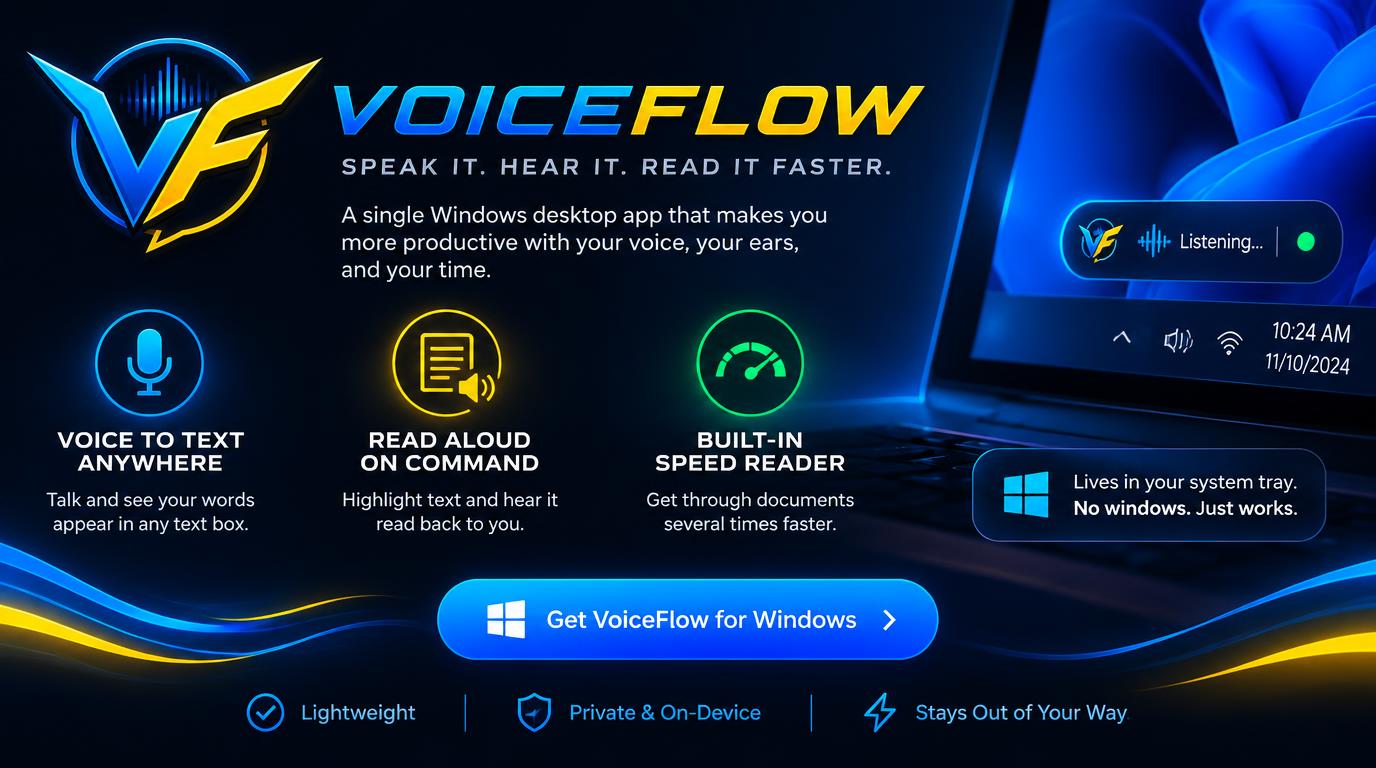
VoiceFlow is one small Windows app that lives in your system tray: talk and your words type themselves into any text box, highlight anything and hear it read back, and blast through documents with the BlinkRead speed reader.
$2.99 USD. One-time purchase.
Limited-time promotional price. All future app updates included.
WHAT YOU GET
Three hotkeys, learned in a minute, useful every day. Private by default: dictation and the Windows voice never leave your PC.
Click any text box, press the keys, talk. Local Whisper AI transcribes offline and types where your cursor is. Auto-stops on silence.
Highlight text anywhere for natural or double-speed read-back. Lifelike ElevenLabs voices, with an offline Windows voice fallback.
Get a TL;DR with key points, details and action items. Works with OpenAI, Groq, OpenRouter or local Ollama — or offline.
The speed-reader flashes one word at a fixed focal point, so most people read documents several times faster with equal comprehension.
“Read with VoiceFlow” in Explorer reads TXT, PDF, DOCX, Markdown, HTML and code files aloud — or briefs them.
A mic icon by the clock and a small status pill while it works. Starts with Windows. Your clipboard is always restored.
MORE FROM US
One-time purchases, no subscriptions — the same deal as VoiceFlow.
VoiceFlow app access is $2.99 once, including all future app updates.
Current installer: Windows 10/11 · x64. Voice and AI provider accounts and usage are separate.