Natural pace
Lifelike voice, streamed so audio starts almost instantly.
 Own it · $2.99
TALK-TO-TYPE · READ ALOUD · SPEED READING
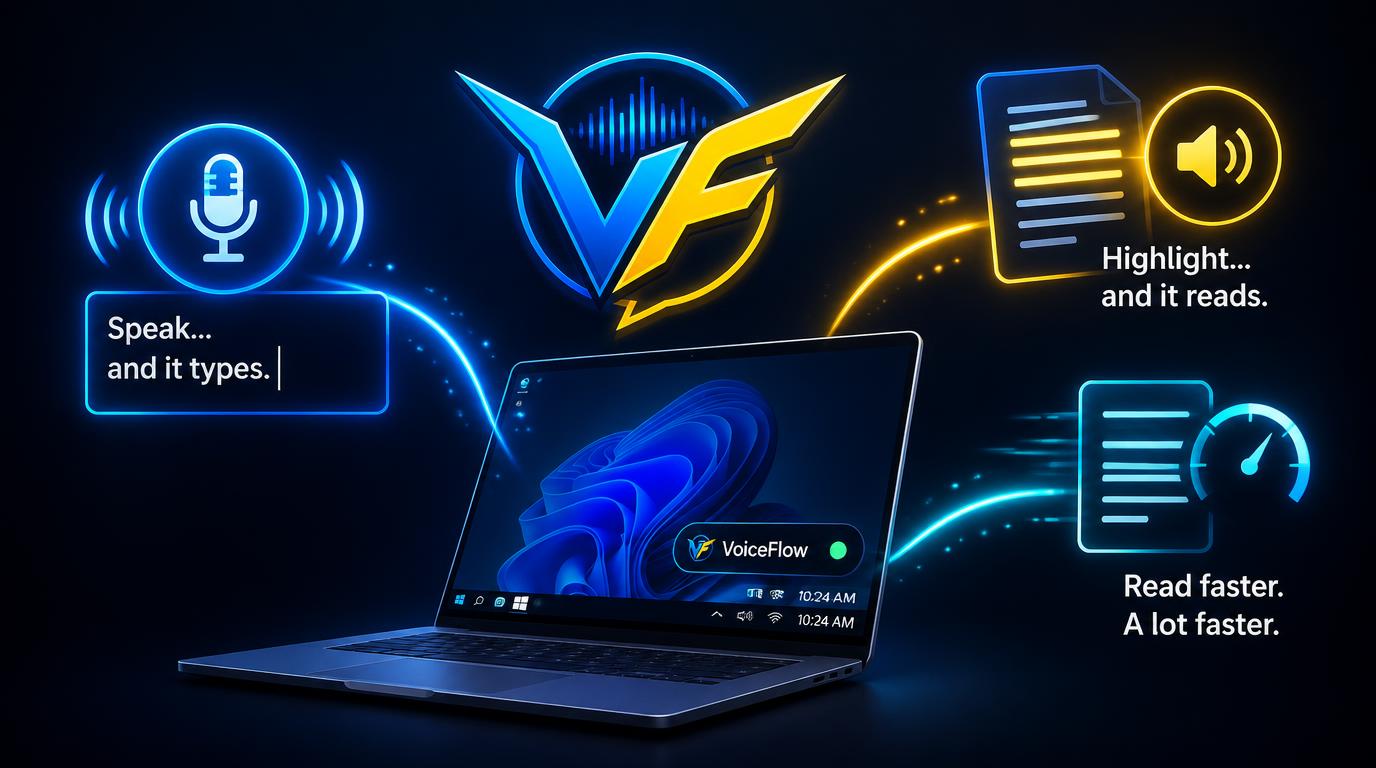
Most people speak three times faster than they type — and read far below what their brain can handle. VoiceFlow closes both gaps with three hotkeys that work everywhere in Windows.
01 / DICTATION
Click into any text box — email, docs, chat, code, search bars — press Ctrl + Caps Lock and talk. VoiceFlow stops when you go quiet, transcribes with local Whisper AI, and types your words where the cursor is.
No cloud needed, nothing leaves your PC, and your clipboard is restored afterwards — images, files and formatting untouched.
02 / READ ALOUD + AI BRIEF
Select any text and press Ctrl + Alt + R: natural read-back, double-speed skim, or an AI brief with TL;DR, key points and action items. Lifelike ElevenLabs voices stream sentence by sentence; if the cloud is unavailable, the offline Windows voice takes over.
Right-click any file in Explorer to read PDFs, Word docs, Markdown and more — or brief them in seconds.
Lifelike voice, streamed so audio starts almost instantly.
Pitch-preserving speed-up — fast, never chipmunked.
Structured summary via your AI provider, or offline free.
03 / BLINKREAD — THE KILLER FEATURE
When you read normally, your eyes waste most of their time jumping between words. BlinkRead flashes one word at a time at a fixed focal point — no eye movement, so every glance lands on new information. Most people read comfortably at 2–4× their pace.
Press Ctrl + Alt + B on any highlight. Adjust speed live, jump by sentence, pick a theme, even have it read aloud in sync.
| The task | The usual way | With VoiceFlow |
|---|---|---|
| Write it up | Hunt-and-peck or slow typing. | Talk at full speed; words appear where the cursor is. |
| Get through a doc | Read every word, re-read half. | BlinkRead at 350+ WPM — or listen while you do something else. |
| Understand it fast | Skim and hope you caught it. | One hotkey: AI brief with TL;DR, key points, actions. |
| Stay private | Cloud tools upload your voice. | Dictation and the Windows voice run 100% on your PC. |
Voice and AI provider accounts and usage limits continue to apply for the optional cloud features.
WHY I BUILT VOICEFLOW
— Ryan, creator of VoiceFlow
“I built VoiceFlow because I was tired of choosing between tools that type what I say, tools that read to me, and tools that help me read faster. I wanted one tiny app, three hotkeys, no windows in my way.”
“Dictation stays on your machine with local AI. The voices sound human. And BlinkRead genuinely changed how fast I get through documents. My goal is simple: give everyone that feeling for less than the price of a coffee.”
VoiceFlow app access is $2.99 once, including all future app updates.